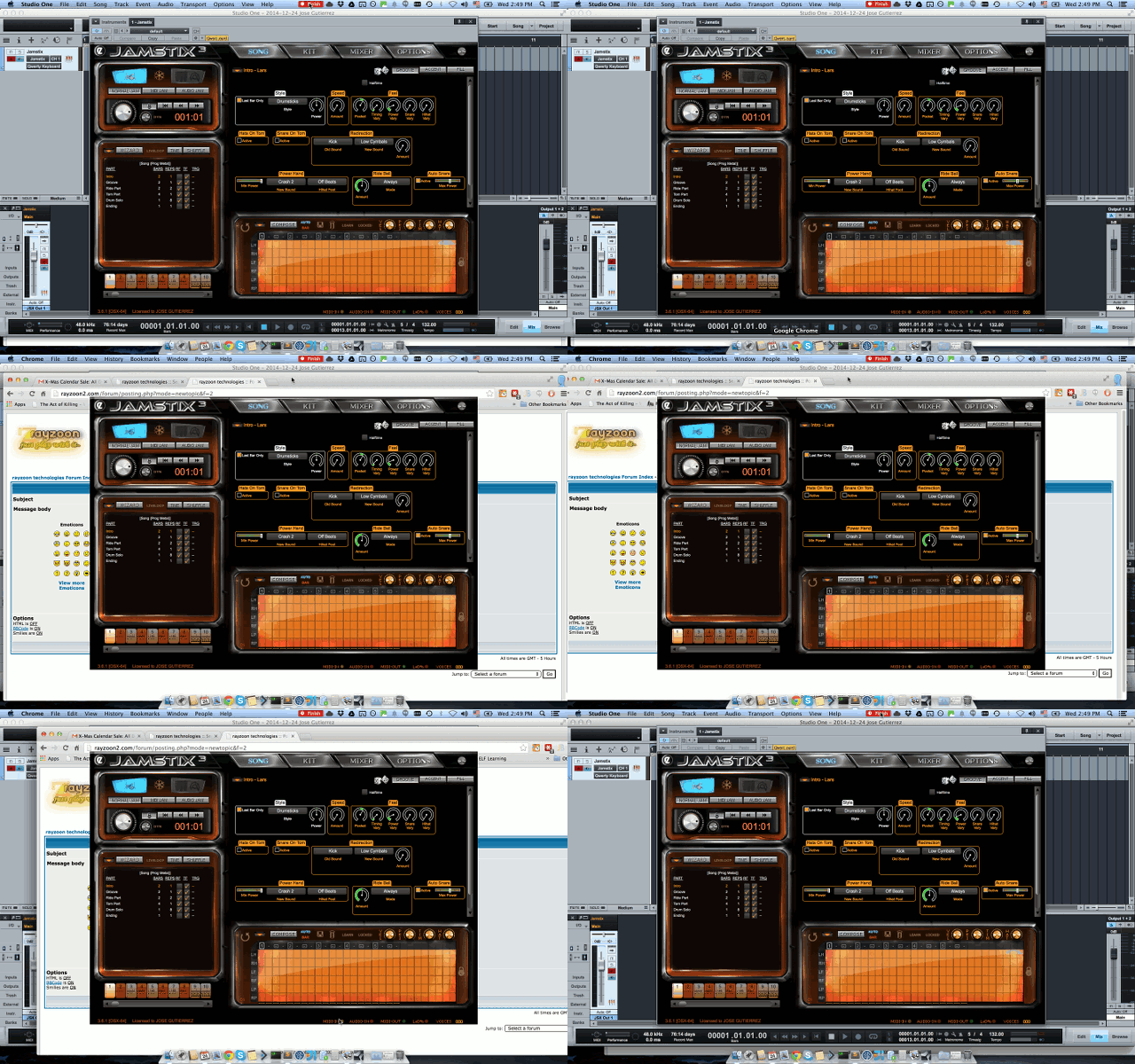
1.- When I have the Jamstix GUI Open in Studio One it is over every other window in the system.
2.- Sometimes it also gets unattached from the Studio One's instrument window frame, so it seems like isn't drown but using Mission Control (F3) I can see the unframed Jamstix window and focus it.
-----------------------------------------------------------------------------------
Where is little video of the first issue, when I can reproduce again the second one I'll post is:
[img:bbfe8840e4]https://s3.amazonaws.com/f.cl.ly/items/ ... 9%20PM.gif[/img:bbfe8840e4]
-----------------------------------------------------------------------------------
Software:
Jamstix 3.6.1 [OSX-64]
Studio One 2.6.5.30360 OSX x64 (Built on Dec 2 2014)
OS X Mavericks 10.9.5
Hardware:
MacBook Pro Retina, 15-inch, Late 2013
OsxMavericks - Jamstix3 - StudioOne2 - unattached GUI bug
-
Ralph @ Rayzoon
- Site Admin
- Posts: 5851
- Joined: Wed Jan 02, 2008 6:24 pm
OsxMavericks - Jamstix3 - StudioOne2 - unattached GUI bug
We have to do window layering in OSX because the GUI is created by a process other than your DAW. Under Windows it is trivial to attach windows across processes but not under OSX. We continue to look into better work-arounds.
Ralph
Rayzoon Technologies LLC
Rayzoon Technologies LLC
OsxMavericks - Jamstix3 - StudioOne2 - unattached GUI bug
Thanks ralph
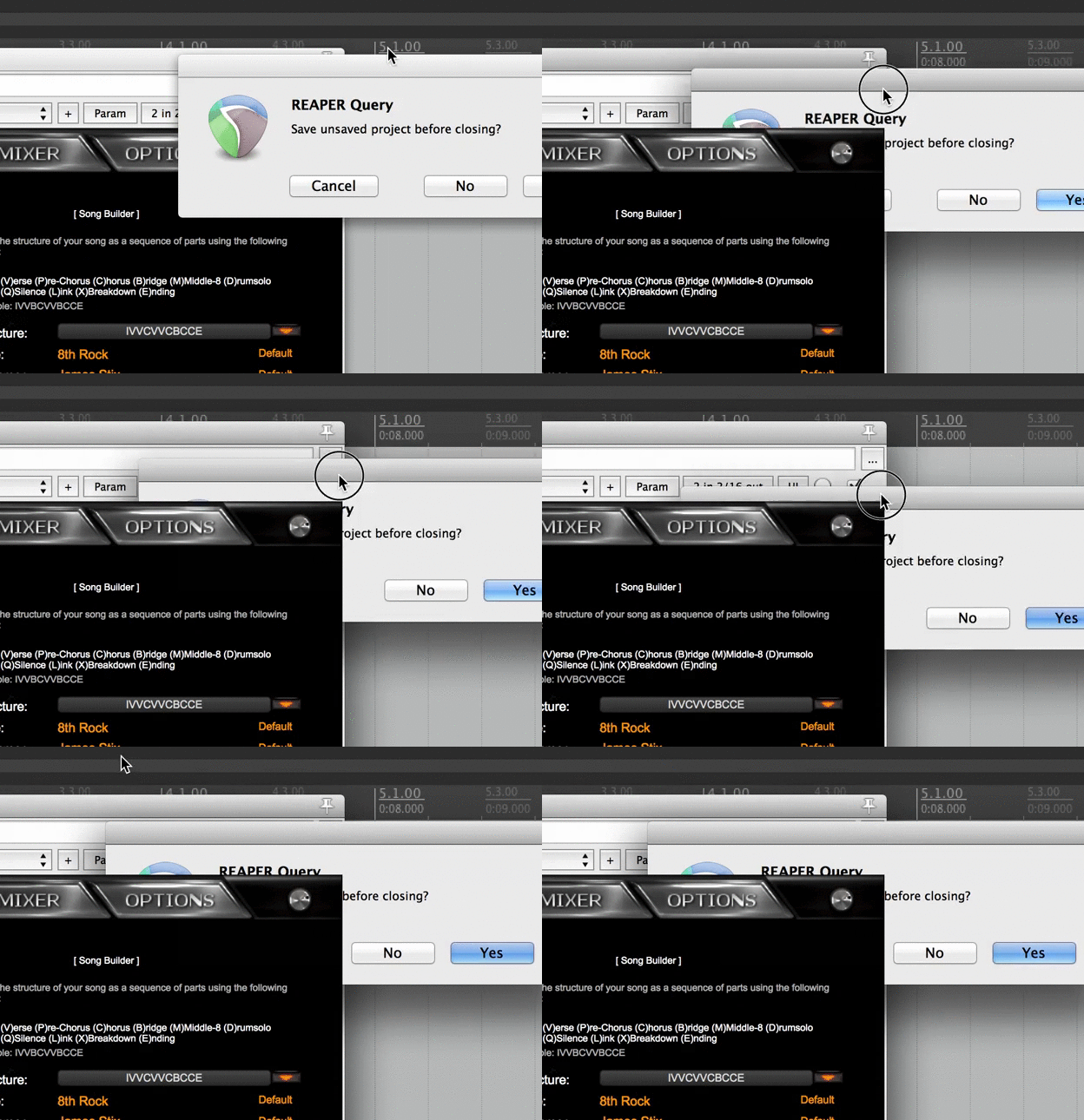
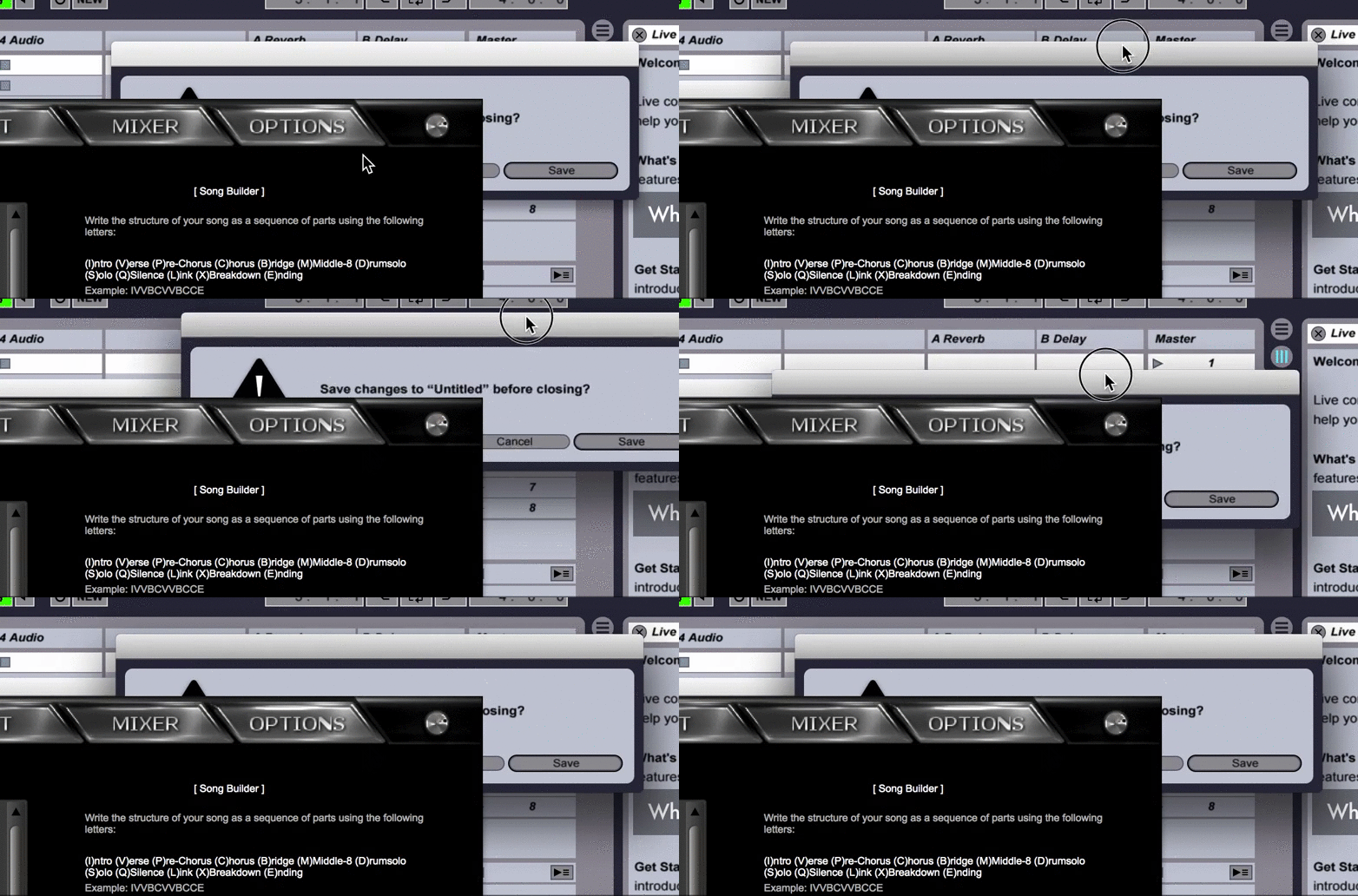
Studio One seems to be the worst offender here but both live and reaper shows also some strange behaviour:
[img:2b74f315ec]https://s3.amazonaws.com/f.cl.ly/items/ ... x_live.gif[/img:2b74f315ec]
[img:2b74f315ec]https://s3.amazonaws.com/f.cl.ly/items/ ... reaper.gif[/img:2b74f315ec]
Studio One seems to be the worst offender here but both live and reaper shows also some strange behaviour:
[img:2b74f315ec]https://s3.amazonaws.com/f.cl.ly/items/ ... x_live.gif[/img:2b74f315ec]
[img:2b74f315ec]https://s3.amazonaws.com/f.cl.ly/items/ ... reaper.gif[/img:2b74f315ec]